
Keep your head on the song.
ARC VOX is a vocal-processing plugin by ITMR Audio for artists who know how the vocal should feel. Learn Voice builds a starting point from your performance, while CONTROL and CHARACTER let you steer the result. The chain handles cleanup, pitch correction, de-essing, compression, six-band EQ, color, and space. Open the rack when you want to make the decisions yourself.
CONTROL steers where the vocal sits. CHARACTER steers how it feels.
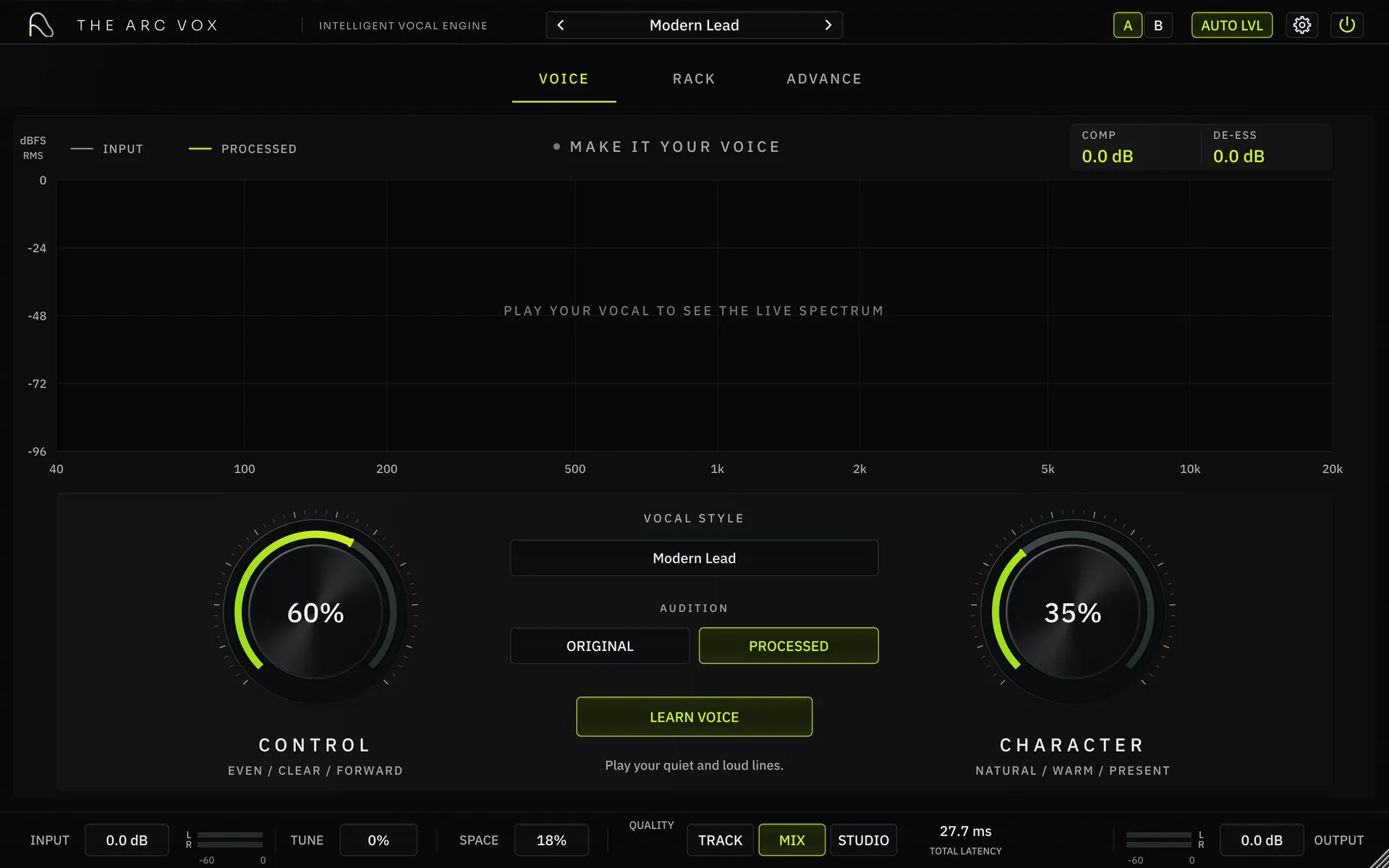
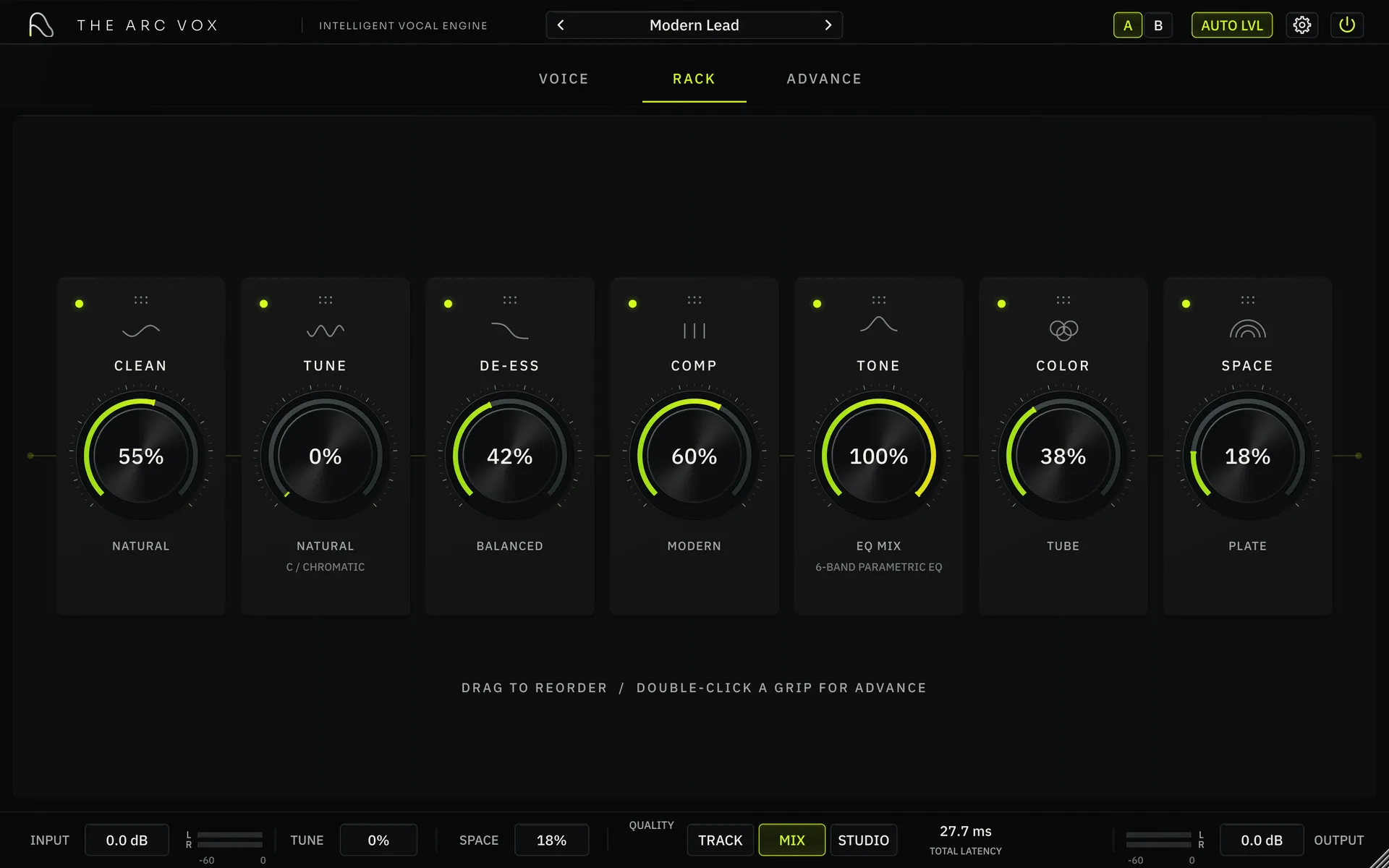
Clean, Tune, De-ess, Comp, Tone, Color, and Space. Drag the order and the signal follows.
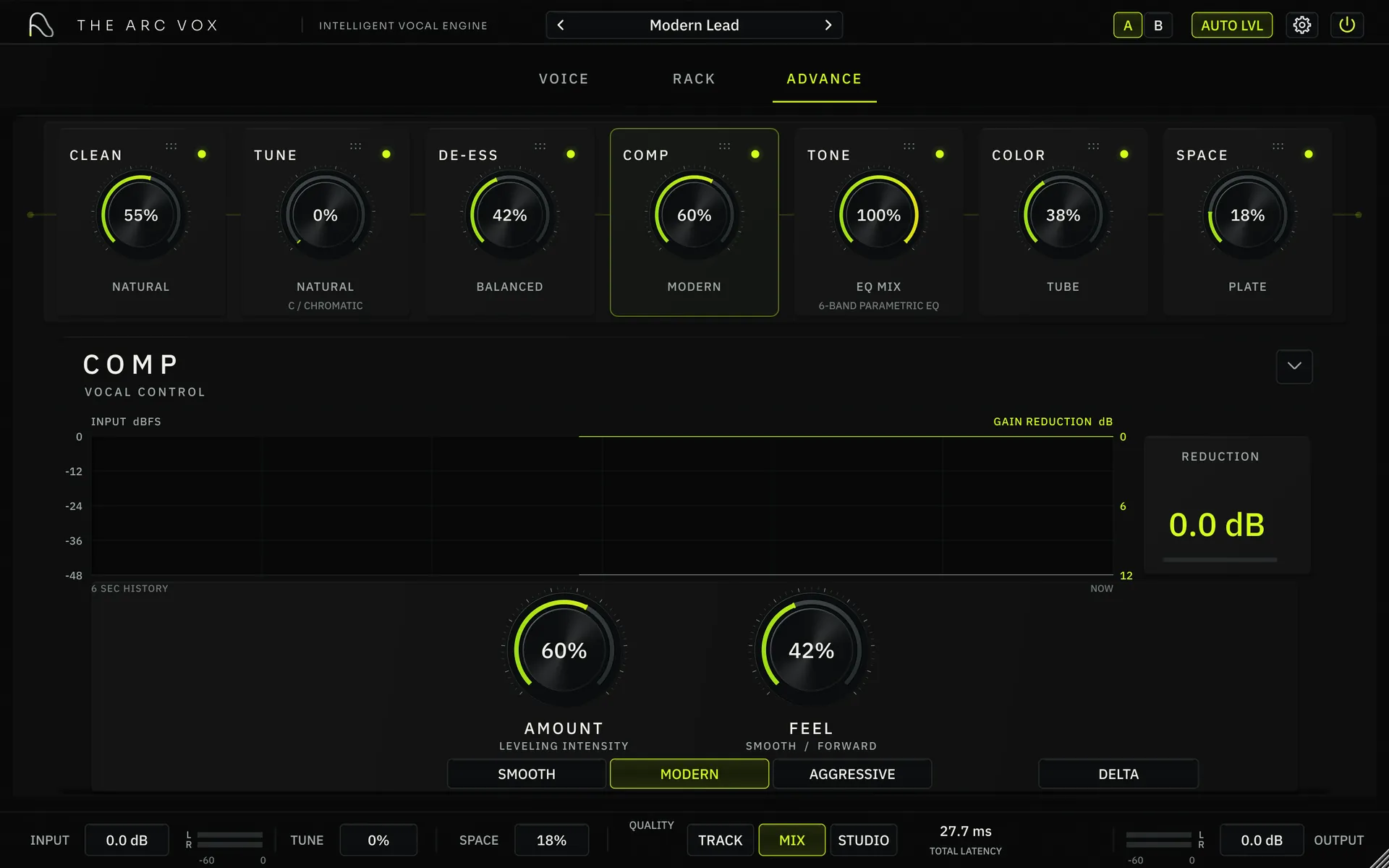
See the input against gain reduction, then set the amount and feel without leaving the chain.
Use the working interface below. Move a macro, open a module, or load a different starting point.
Try Arc Vox ↓Steer the result without rebuilding the chain.
CONTROL and CHARACTER move the full chain together. Turn either one here and the plugin view above follows.
Choose how the vocal sits: controlled and even, clear and present, or pushed to the front.
Choose how the vocal feels: natural, warmer and denser, or more present and produced.
The full chain, in the order you want.
Drag the seven modules into place. Open any one for its own controls, modes, and visual feedback.
The point isn’t less control. It’s less time away from the performance.
Build the starting point from your performance.
Play a quiet line and a loud one. Learn Voice listens for 12 seconds, reads your range and dynamics, and sets the chain from that performance instead of dropping in a generic preset.
- 1LISTENPlay your softest and loudest lines.
- 2ANALYZEARC VOX reads the 12-second capture.
- 3READYYour chain starts from your range.
This runs the capture timer only. Nothing is recorded or analyzed on this page.
Start close. Finish it your way.
Vocal styles load the full seven-module chain. Pick the nearest direction, then use CONTROL, CHARACTER, or the rack to finish the sound.
What Arc Vox actually does.
The details below come from the plugin itself—no vague claims and no rounded-up specs.
 quality
Three quality modes
Switch between Track, Mix and Studio from the footer. Total latency is always shown next to them.
compareA/B and audition
Two settings slots, plus Original against Processed, so you always know what the chain is doing.
gainAuto LVL
Level matching in the header keeps comparisons honest, so louder never fools you into thinking it's better.
toneSix-band parametric EQ
A full EQ with ±18 dB range inside the chain. Use the mouse wheel for Q, Shift for fine moves and right-click for band controls.
tuneKey or chromatic
Correction and Speed with Natural, Modern and Hard modes, locked to a key or fully chromatic.
interfaceScales to your screen
UI scale at 100, 125 or 150 percent, with a 30 FPS meter refresh. Scaling changes the view, never the sound.